
Walker menu
The walker launcher, its providers, and how to add custom entries you can trigger from Super+Space.
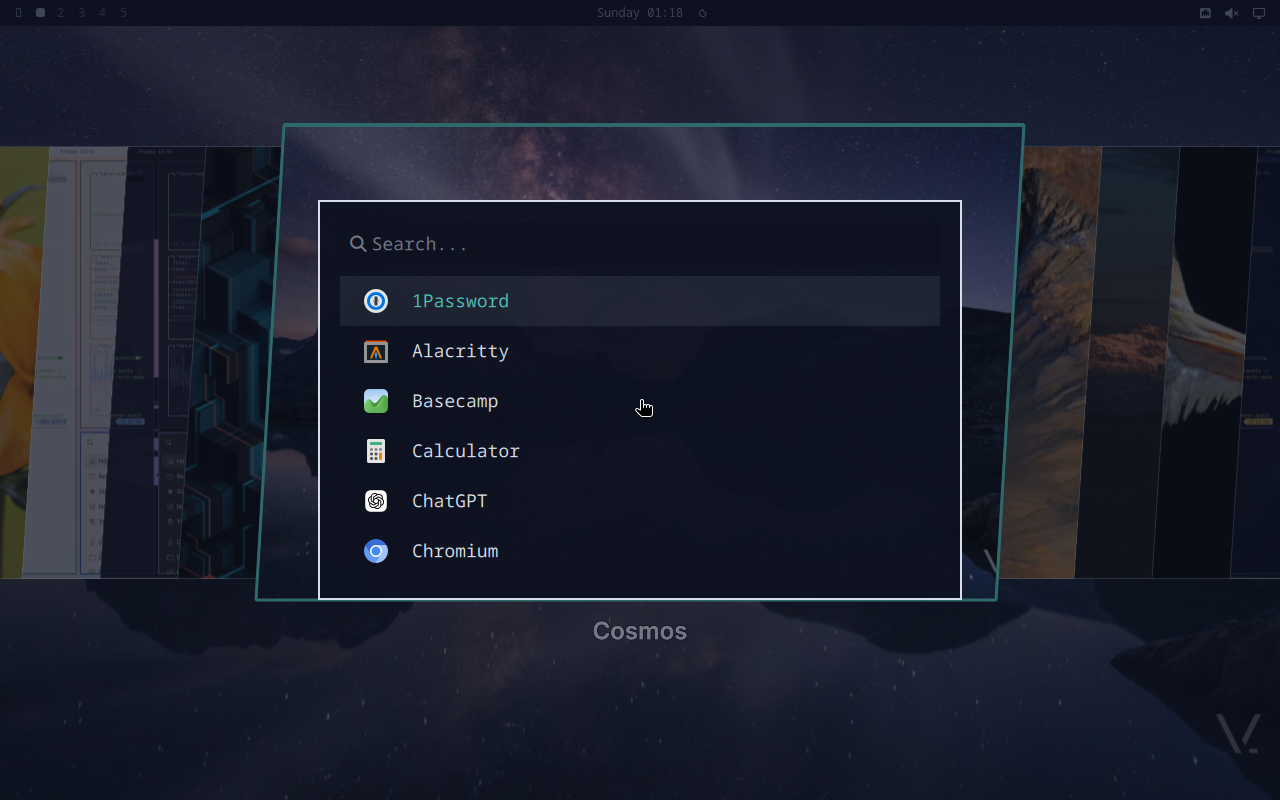
Walker is the app launcher, emoji picker, file picker, and dmenu substitute all rolled into one. Super+Space opens it.
Providers
Walker’s “providers” are the different search backends behind the single query bar. The shipped setup enables:
- desktop — installed applications (
.desktopfiles). - calc — math expressions (
= 3.5 * 44returns a result). - emojis — emoji search (
:prefix or via Super+Ctrl+E). - runner — bash prefix (
>) executes the rest as a shell command. - websearch — DDG prefix (
?) opens the query in the browser. - files — file browser (
/prefix), rooted at$HOME. - elephant — walker’s data provider daemon (autostarted by
vinos-launch-walker).
Config file
~/.config/walker/config.toml (copy from /etc/xdg/walker/config.toml):
placeholder = "search or type a command"

[list]
show_initial_entries = true
max_entries = 50

[providers.desktop]
enabled = true

[providers.emojis]
enabled = true
show_unqualified = false

[providers.runner]
enabled = true
Adding custom entries
Custom entries are just .desktop files. Drop them into
~/.local/share/applications/:
# ~/.local/share/applications/vinos-standup.desktop
[Desktop Entry]
Type=Application
Name=vinOS · standup
Comment=Plain-English daily standup from git activity
Exec=foot -e sh -c "vinos-standup; read"
Icon=view-refresh
Categories=Utility;
They show up in walker under their Name field. Combine with the
runner provider for one-shots that don’t need a .desktop:
> vinos-focus 45 --task "docs"
> ollama pull qwen2.5:14b
The keybinding
The shipped chord is Super+Space. To rebind,
drop into ~/.config/hypr/bindings.d/personal.conf:
bind = SUPER, Q, exec, walker
Old chord and new chord both work until you remove the old bind.
Walker as dmenu
walker --dmenu reads lines from stdin and emits the picked line on
stdout — every vinos-menu-* primitive uses this. Wire it into your
own scripts:
$ printf 'coffee\ntea\nwater\n' | walker --dmenu
tea
That single-line dmenu behavior is why the shipped vinos-welcome,
vinos-menu, vinos-theme --pick, and vinos-menu-select scripts
all work identically — one primitive under the hood.