
Waybar
The shipped top-bar layout, the modules, and how to reorder or hide them without losing the default when you rebuild.
The vinOS waybar is the Omarchy waybar with a couple of vinOS modules grafted on (routine status, focus countdown, cost ticker). The whole thing is a single JSON file plus a CSS file, both readable and recoverable.
Where it lives
| Path | What it is |
|---|---|
/etc/xdg/waybar/config.jsonc | Shipped default. Never edit here. |
~/.config/waybar/config.jsonc | Your override. Copy the shipped one and edit. |
~/.config/waybar/style.css | Your CSS override (themes inject their palette here). |
Shipped modules
Left cluster:
- hyprland/workspaces — the numeric workspaces.
- hyprland/window — active window title.
Center:
- clock — 12-hour by default; click to open a mini-agenda.
Right cluster:
- custom/vinos-focus — focus countdown when active, hidden otherwise.
- custom/vinos-routine — routine status widget (last-run, next-run, today’s cost).
- network — reads
vinos-hw-external-monitors-style helpers. - pulseaudio — output level, click to switch.
- battery — reads
vinos-battery-status. - tray — mako, blueman, network manager, walker’s helper.
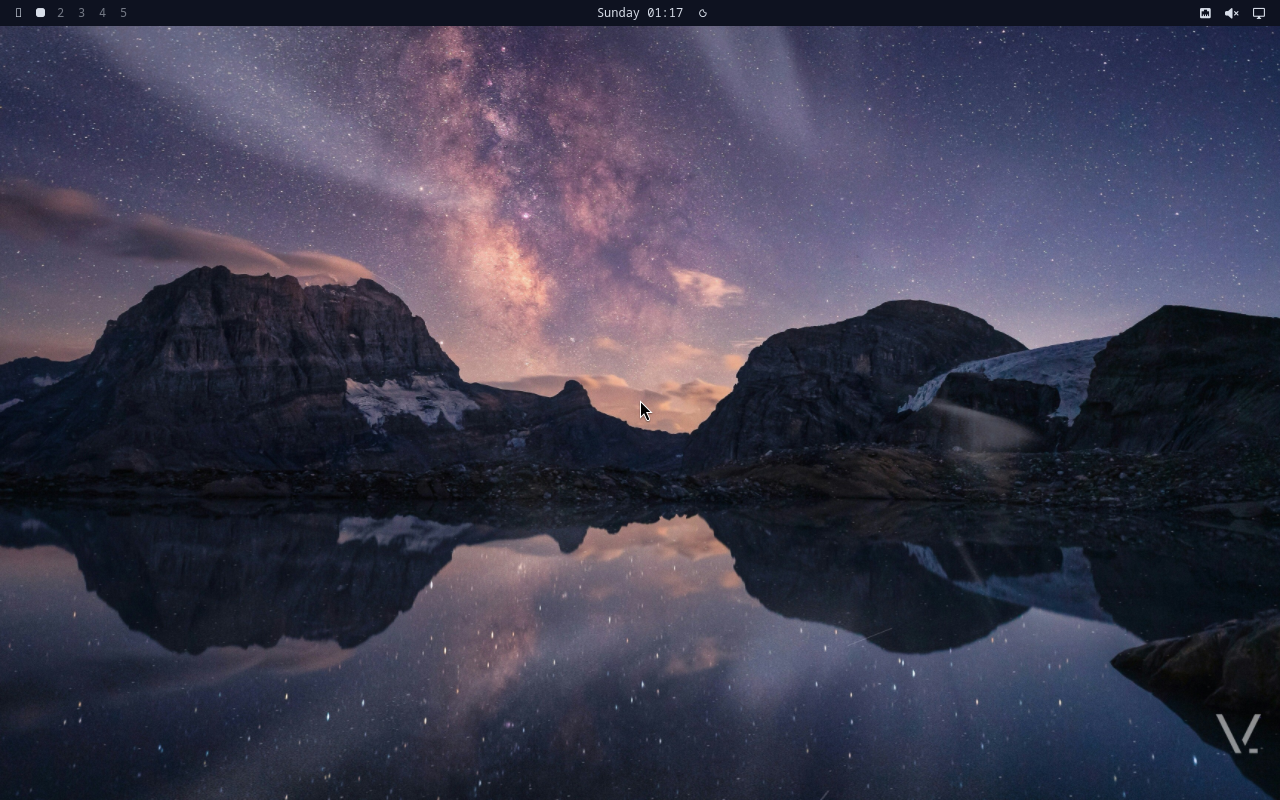
Zoomed on the right cluster (the slot where the v2.0.6 routine-status widget lands — currently a placeholder in v2.0.5):
Reorder or hide
Copy once, then edit:
$ mkdir -p ~/.config/waybar
$ cp /etc/xdg/waybar/config.jsonc ~/.config/waybar/
$ $EDITOR ~/.config/waybar/config.jsonc
To hide the workspace numbers, delete the hyprland/workspaces entry
from the modules-left array. To move the clock right, add clock
to modules-right and remove it from modules-center.
After a save, reload:
$ vinos-restart-waybar
Add your own module
Waybar’s custom/* modules run a command and show the output. Wire
one to a vinos-* command:
{
  "custom/coffee": {
    "exec": "vinos-ai chat 'one emoji: coffee status'",
    "interval": 3600,
    "return-type": "text",
    "on-click": "foot -e vinos-standup"
  }
}
Add "custom/coffee" to your modules-right array. Reload.
Move to top / bottom / side
Shipped keybindings do this without a restart:
- Super+Shift+Ctrl+↑ — top
- Super+Shift+Ctrl+↓ — bottom
- Super+Shift+Ctrl+← — left
- Super+Shift+Ctrl+→ — right
Or hide the bar entirely: Super+Shift+Space.
Theming
Waybar’s palette is regenerated from the active theme on every
vinos-theme <name> switch. If you have custom rules in
~/.config/waybar/style.css, keep them scoped to your custom modules —
the shipped rules use CSS variables that theme switching rewrites.
/* Safe: uses the theme variable */
#custom-coffee {
  color: var(--accent);
}

/* Fragile: hardcoded color loses the theme switch */
#custom-coffee {
  color: #33ccff;
}