
Docker not running
lazydocker's 'Cannot connect to Docker daemon' and Disk Usage launcher fixes.
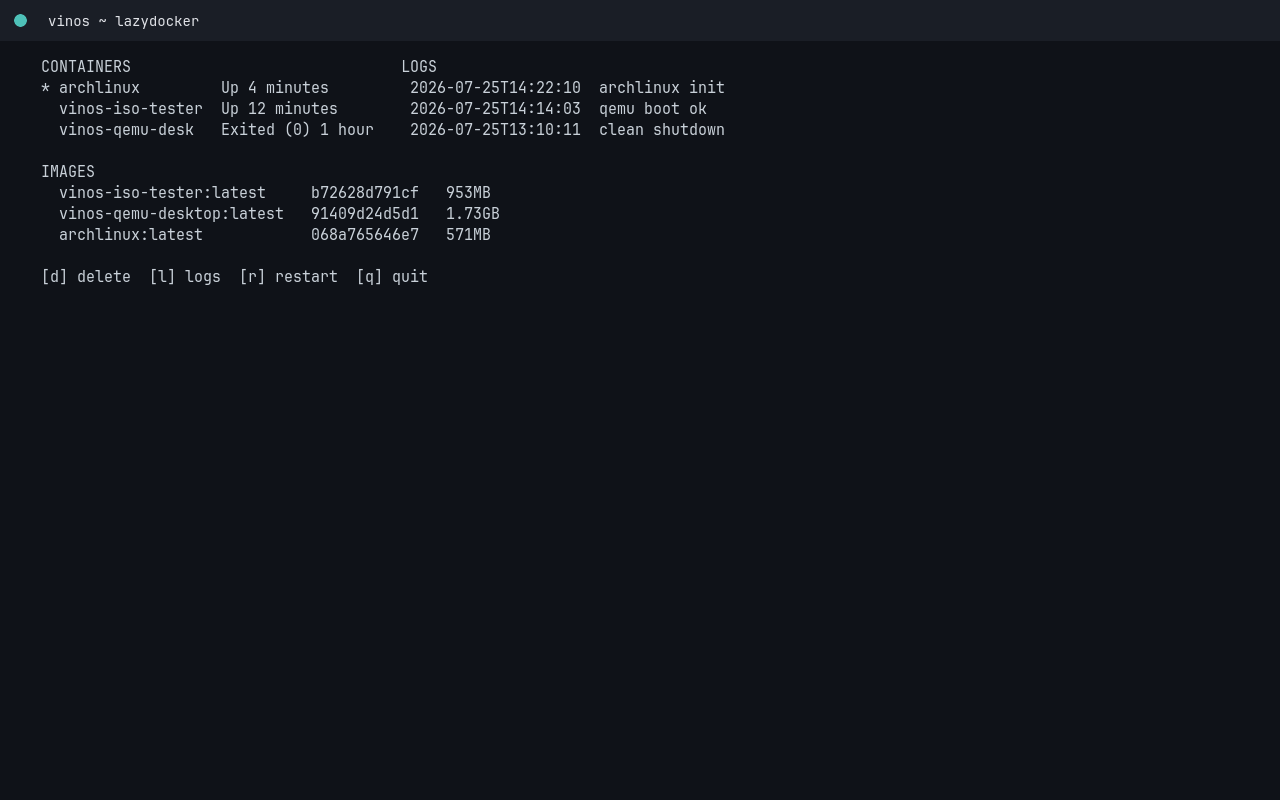
The shipped keybinding Super+Shift+D
opens lazydocker. If you see:
Cannot connect to the Docker daemon at unix:///var/run/docker.sock.
Is the docker daemon running?
Docker is installed but not running. Three-step fix:
1. Start the daemon
$ sudo systemctl enable --now docker
enable makes it auto-start on boot; --now also starts it right this
second. The socket appears at /var/run/docker.sock.
2. Add yourself to the docker group
Otherwise every docker command requires sudo:
$ sudo usermod -aG docker $USER
Log out and back in for the group change to take effect.
3. Verify
$ docker run --rm hello-world
Hello from Docker!
If that works, Super+Shift+D will now open lazydocker cleanly.
Never installed docker?
The dev bundle includes it:
$ vinos-install-dev
[vinos-install-dev] adding pacman packages: docker docker-compose docker-buildx ...
[vinos-install-dev] enabling docker.socket
[vinos-install-dev] done. run: newgrp docker (or log out/in) then: docker ps
After the bundle, still do the group add + relogin.
Disk Usage launcher fails
The shipped Disk Usage menu entry runs docker system df. Same
underlying cause — the daemon needs to be up. Same three-step fix.
Rootless docker
If you’d rather not run the daemon as root, use rootless mode:
$ dockerd-rootless-setuptool.sh install
$ systemctl --user enable --now docker
$ export DOCKER_HOST=unix://$XDG_RUNTIME_DIR/docker.sock
Add the DOCKER_HOST line to your shell profile so it sticks.
Rootless mode has some limitations (no privileged ports without
sysctl, limited networking modes) but keeps dockerd out of the
root context.