
Docs · Utilities
Agent shortcuts
vinos-ai, vinos-fix, vinos-explain — pipe-based AI helpers. Stable CLI over ollama, claude-code, and aichat.
Three commands cover interactive AI usage. Pipe stdin into them, get
plain-English answers back. Route to local or Claude via
~/.config/vinos/ai.toml or the VINOS_ROUTE environment override.
vinos-ai
A stable CLI over Ollama, claude-code, and aichat — one command instead of three tools to remember.
$ vinos-ai --help
vinos-ai — AI shortcut wrapper. Provides a stable CLI over ollama,
claude-code, and aichat so users don't have to remember three tools.

  vinos-ai                       # opens interactive chat (default model)
  vinos-ai chat [prompt...]      # same as above; args become the first prompt
  vinos-ai code [prompt...]      # launches claude-code (Anthropic Claude Code CLI)
  vinos-ai models                # list installed ollama models
  vinos-ai pull <model>          # ollama pull <model>
  vinos-ai run <model>           # ollama run <model>
  vinos-ai serve                 # start ollama server (systemd user unit)
  vinos-ai stop                  # stop ollama server
  vinos-ai status                # tell me what's set up

Requires the ai bundle (vinos-install-ai). If ollama isn't installed,
emits an actionable pointer.
Typical uses:
$ vinos-ai chat "one sentence: what is a bind mount?"
A bind mount makes an existing file or directory appear at a second
location in the filesystem tree without copying it.

$ vinos-ai models
NAME              ID              SIZE      MODIFIED
llama3.2:latest   a80c4f17acd5    2.0 GB    2 minutes ago
qwen2.5:7b        845dbda0ea48    4.7 GB    5 days ago

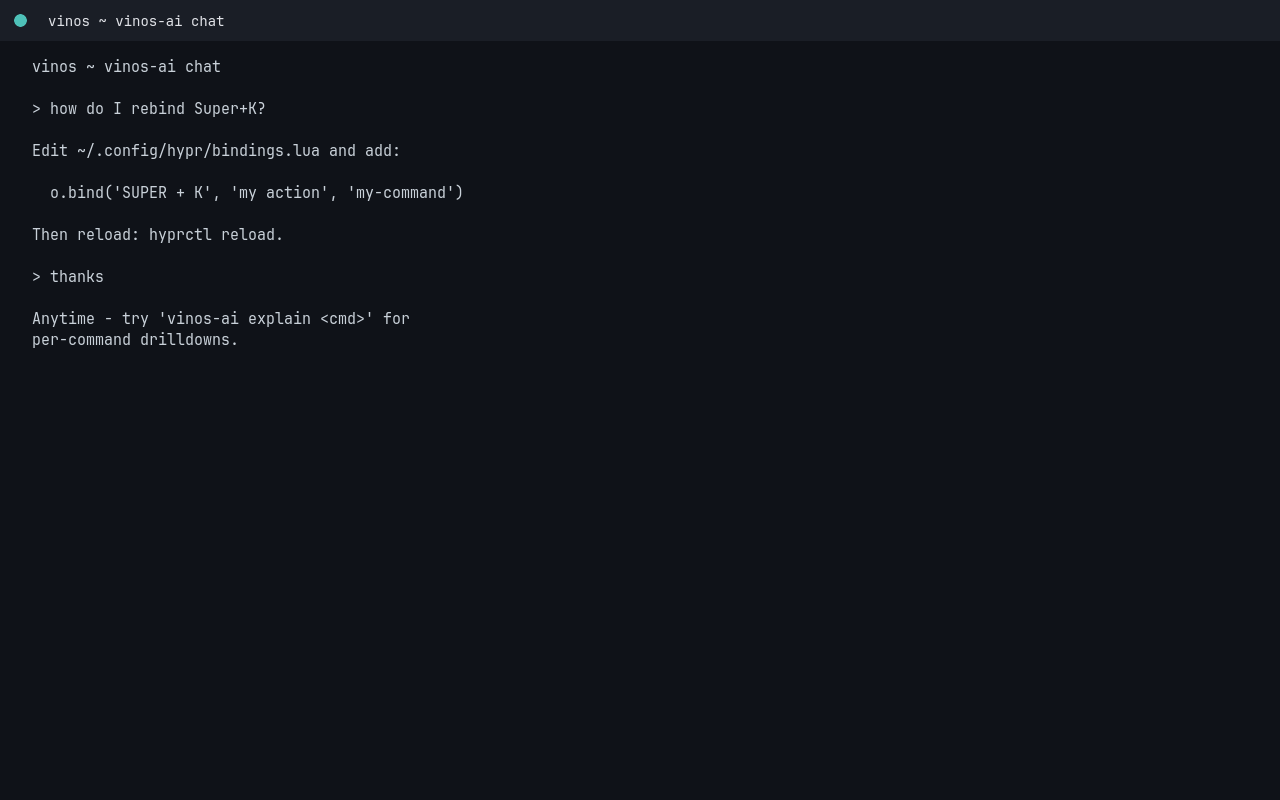
$ vinos-ai code
# opens claude-code in the current directory
vinos-fix
Pipe an error → AI diagnostic + fix suggestion.
$ vinos-fix --help
vinos-fix — pipe an error → AI diagnostic + fix suggestion.

Usage:
  some-command 2>&1 | vinos-fix
  cat error.log       | vinos-fix
  vinos-fix -h | --help

Reads the error from stdin, adds your last ~10 shell commands as
context, and asks vinos-ai for a short cause + a specific fix
command in a fenced code block. Highlights the output with `bat`
or `pygmentize` when available.
Typical use:
$ npm run build 2>&1 | vinos-fix
CAUSE: node_modules is out of sync with package.json — some deps were
       added after the last install.

FIX:
  rm -rf node_modules && npm install
Great in a loop when you’re bashing on something new; less useful when you already know the answer.
Screenshot pending: `false 2>&1 | vinos-fix` output in a foot terminal
vinos-explain
Pipe anything → plain-English explanation, ≤80 words.
$ vinos-explain --help
vinos-explain — pipe anything → plain-English explanation.

Usage:
  cat script.sh   | vinos-explain
  curl -s api.url | vinos-explain
  man ls          | vinos-explain
  vinos-explain -h | --help

Content-adaptive: if input looks like code (braces, indentation,
common language tokens) → "explain what this code does". Otherwise
→ "summarize in plain English". Response capped at 80 words.
Typical uses:
$ cat scripts/deploy.sh | vinos-explain
A production deploy script: pulls the latest main, runs migrations
inside a pg container, builds the Rust binary in release mode, and
scp'd it to prod-01 through prod-04 in parallel, then hits each
box's /healthz endpoint before printing a green line.

$ curl -s https://api.github.com/repos/vinpatel/vinos | vinos-explain
The vinOS repo metadata: MIT-licensed, ~140 stars, 2 open PRs, last
push 2h ago. Primary language: Shell. Default branch: main.
Overriding the route
VINOS_ROUTE=ollama forces local. VINOS_ROUTE=anthropic forces Claude.
Set it inline or in your shell profile:
$ VINOS_ROUTE=ollama vinos-standup           # force local for one call
$ echo 'export VINOS_ROUTE=anthropic' >> ~/.zshrc   # default for the shell